Jump squat
A squat that leaves the ground. Explosive leg power and hard conditioning in one movement.
NeedsBodyweight
The movement
2 stages
Load
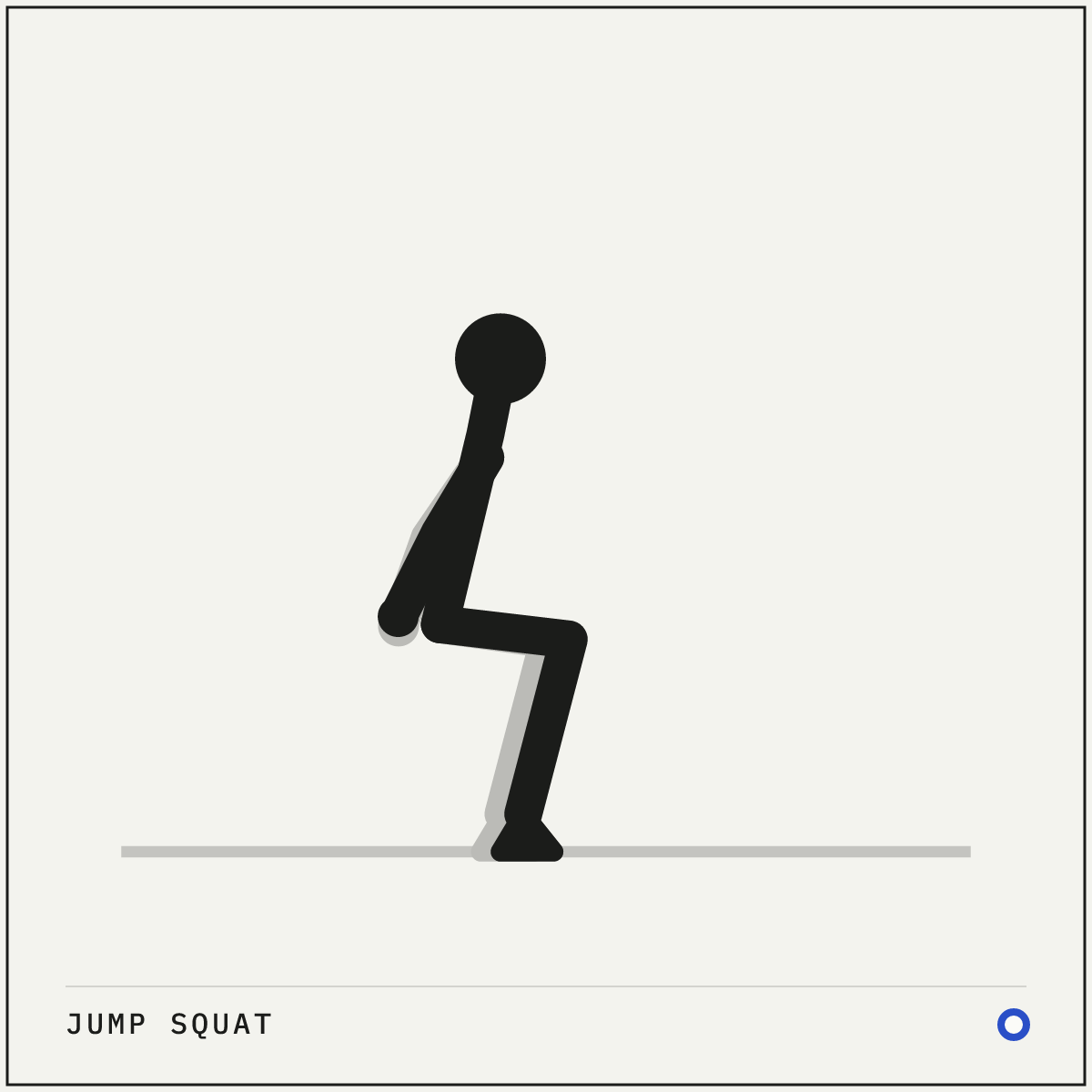
01 Load
Sink into a quarter squat with arms back, ready to drive.
02 Drive
Explode up through the whole foot; land softly and reset.
How to do it
Setup
- Stand tall with your feet shoulder-width apart and your arms relaxed at your sides.
- Check your landing area first, for a flat surface with grip and nothing overhead.
Execution
- Drop quickly into a quarter or half squat, swinging your arms back.
- Drive hard through your whole foot and jump as your arms swing up.
- Land softly, toes first then heels, and sink straight into the next dip.
Cues and mistakes
Check every rep
- Land quietly, toes first, and absorb the landing through your hips.
- The height comes from your hips, not your calves.
What goes wrong
- Landing with stiff legs and a loud slap.
- Letting your knees cave inward as you land.
- Chasing a rep count while the landings get worse.
Safety
- Jumping work needs fresh legs. Do jump squats early in a session and stop as soon as your landings stop being quiet.
- Skip jumping variations if impact bothers your knees. A fast bodyweight squat keeps most of the intent.
General guidance, not medical advice. See how Setkit works.
Notes
The jump squat adds one thing to a squat, which is speed. Producing force fast enough to leave the floor trains explosiveness that slow strength work never touches, and in circuits or Tabata blocks it doubles as brutal conditioning.
The landing is the real skill. Absorbing the impact quietly through your whole foot, with your knees tracking over your toes, is the difference between useful jumping work and a knee problem later. If your landings are loud, the set is finished whatever the plan said.
Keep the sets short and sharp when power is the goal. Five explosive jumps do more than fifteen tired ones. Save higher reps for conditioning circuits, and even there let the quality of your landings decide when to stop.