Lying leg raise
Legs from the floor to vertical and back down. Only as good as how slowly you lower them.
TrainsCore
NeedsBodyweight
The movement
2 stages
Set
01 Set
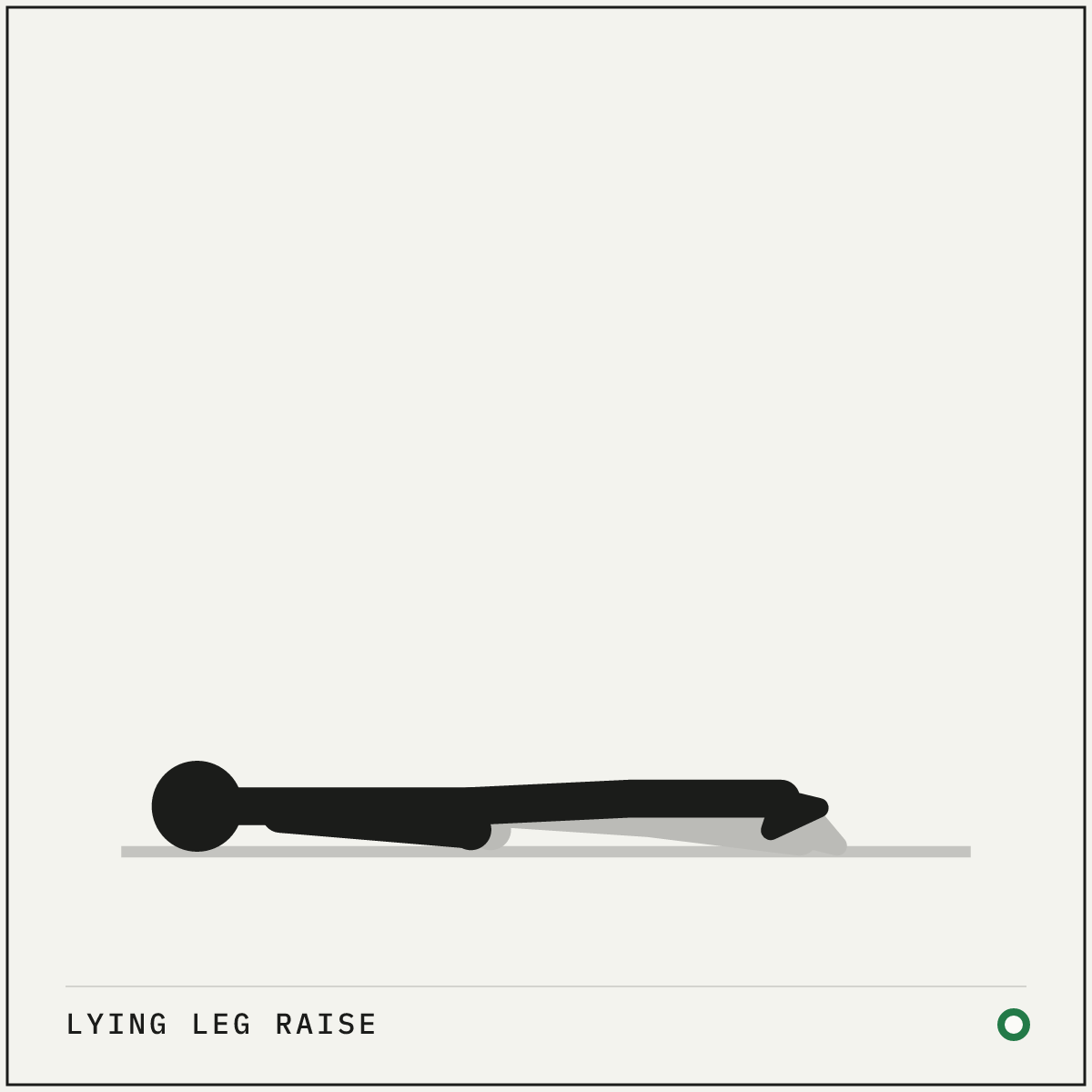
Legs long, hands by the hips, low back pressed to the floor.
02 Raise
Raise the legs toward vertical without arching the back.
How to do it
Setup
- Lie flat with your legs straight and your hands by your hips, or tucked under your tailbone for support.
- Press your lower back toward the floor.
Execution
- Raise both legs together toward vertical, with your knees straight or slightly bent.
- Lower them slowly, keeping your back pressed down for the whole descent.
- Stop where your back would start to arch, hold there for a moment, and raise again.
Cues and mistakes
Check every rep
- Take twice as long to lower as you take to lift.
- Tuck your pelvis back as your legs pass halfway down.
What goes wrong
- Letting your back arch as your heels approach the floor.
- Bouncing your hips off the floor between reps.
Safety
- Bend your knees to make it easier if your lower back cannot stay down. Fully straight legs are something you work up to.
General guidance, not medical advice. See how Setkit works.
Notes
A leg raise is a leverage problem your stomach has to solve. Two long legs try to drag your pelvis and lower back into an arch, and your trunk refuses. Lifting them is the easy half. The slow descent with your back staying down is where the training actually happens.
Set your range to what you can control. The hardest version lowers your heels to just above the floor, but only a trunk that can keep the back pressed down deserves that range. Everyone else bends their knees or shortens the descent and grows into it. There is no prize for touching the floor with an arched back, because that rep trained the wrong thing.
It sits between the dead bug, which teaches you to control your pelvis, and the hanging leg raise, which takes the floor away entirely. Those three make a clean ladder for dynamic core strength.