Side plank
A plank turned on its side. The obliques and the outside of the hip do the work instead.
TrainsCore
NeedsBodyweight
The movement
2 stages
Set
01 Set
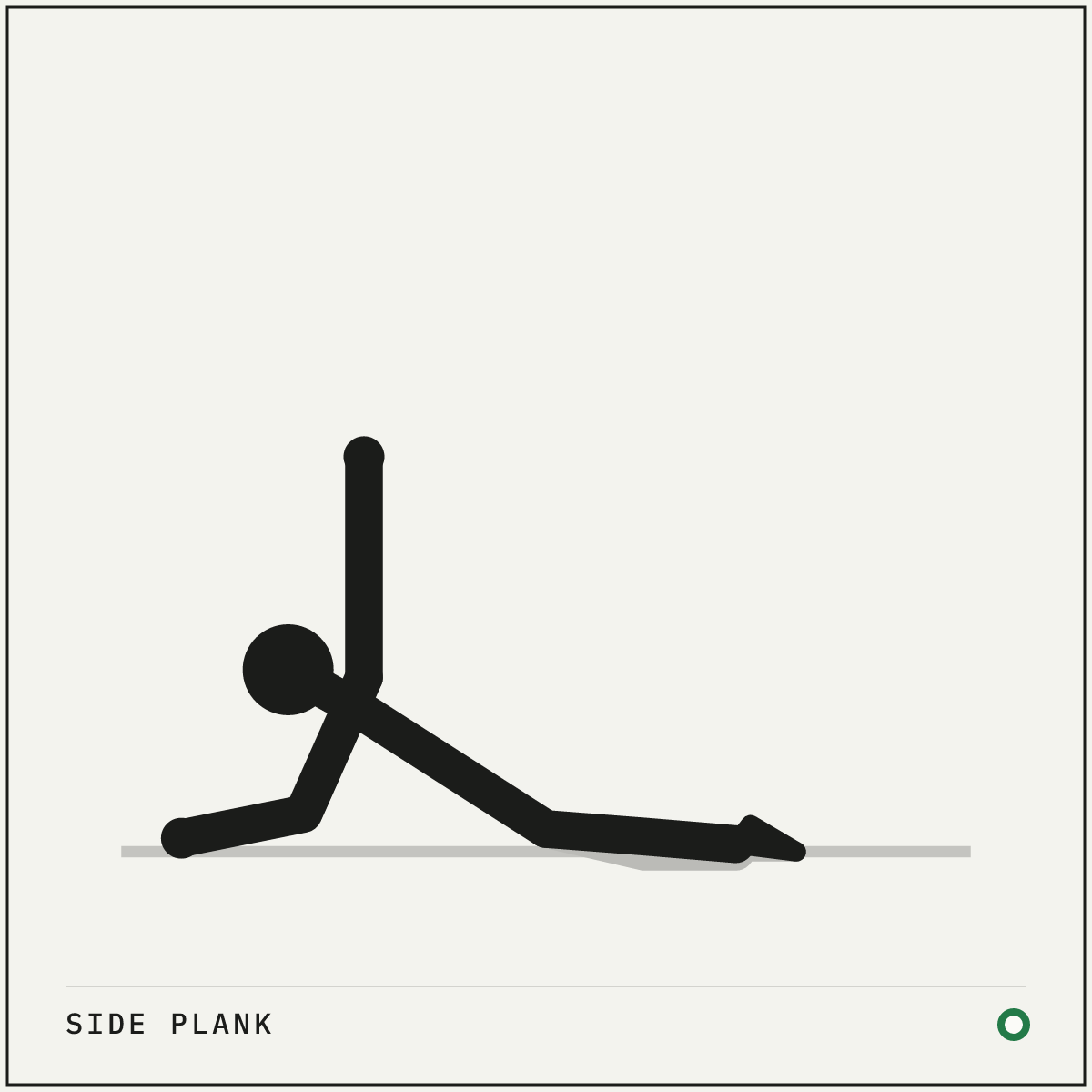
Elbow under the shoulder, feet stacked, hips still resting down.
02 Hold
Lift the hips until shoulder, hip and ankle make one straight tilted line.
How to do it
Setup
- Lie on your side with your elbow under your shoulder and your forearm flat on the floor.
- Stack your feet, or stagger them for more stability, and line up your ears, shoulders, hips and ankles.
Execution
- Lift your hips until your body forms one straight, tilted line.
- Reach your top arm toward the ceiling or rest it on your hip.
- Hold it, breathing steadily, then lower and switch sides.
Cues and mistakes
Check every rep
- Push the floor away with your forearm instead of sinking into your shoulder.
- Lift with your hips and keep watching them, because they drop first.
What goes wrong
- Hips drooping toward the floor partway through the hold.
- Rolling your chest toward the ceiling.
- Craning your neck down instead of keeping it long.
Safety
- Dropping your bottom knee to the floor is the standard easier version. Same line, shorter body to hold up.
General guidance, not medical advice. See how Setkit works.
Notes
Turning the plank on its side gives the job to muscles the front plank barely uses. The obliques, the deeper muscles down the side of your trunk, and the outside of the hip that decides how steady you are when you walk, run or stand on one leg. This is the simplest serious training those muscles ever get.
Your two sides rarely match, and that is information rather than a failure. Note the difference, give the weaker side the first and freshest hold, and watch the gap close over a few weeks. Evening it out pays off in every single-leg exercise in this library.
The standard is the same as the front plank. A straight line, hips high, breathing steady. When forty-five seconds feels calm, raise your top leg or put your feet on a box instead of just adding more time.